
Hashy App — Designing the First Data Tool for Hash Makers
The problem nobody was solving
The cannabis processing industry generates serious money — but the people doing the most skilled work, hash makers, were running their operations on paper notebooks and Google Sheets. Not because they lacked technical sophistication. Because nothing existed that fit their workflow.
That's what Chase, a California-based entrepreneur with deep roots in the cannabis industry, came to us with in 2023. His hypothesis: if you could give hash makers a purpose-built data tool, you could save them real money and help them produce better product. He was right. The question was what that tool actually needed to be.
I led product design end-to-end across a 4-month engagement — user research, UX, interaction design, visual design, design system, and branding. I worked alongside Keaton, our developer, in a three-person product team.
Role
Product Design • UX • Interaction • Prototyping & Test
Platform
Web app
Tools
Figma • Hotjar
01 — Discovery
Understanding a world I'd never seen
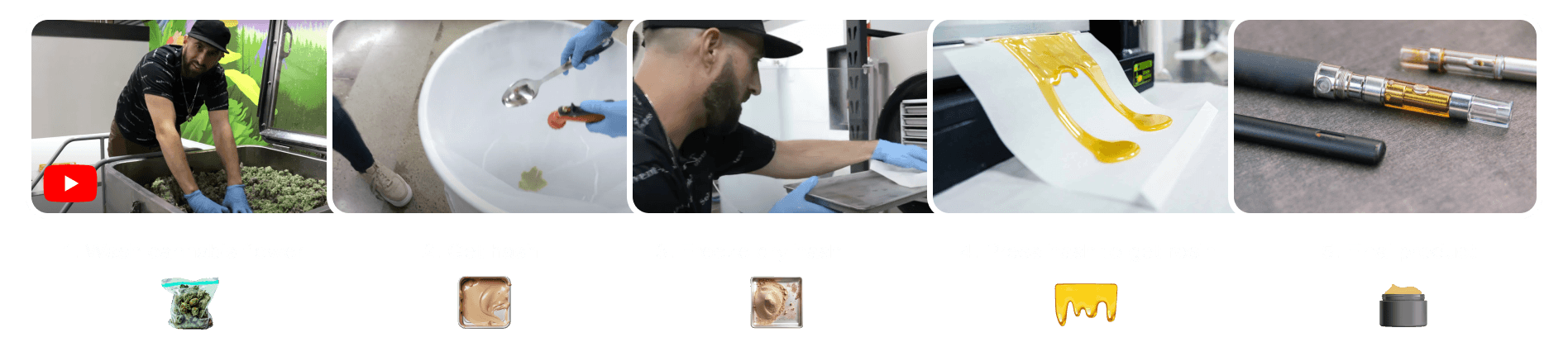
Before I could design anything, I needed to understand a process I knew nothing about. Hash-making is a niche, hands-on craft — flower goes in, hash and rosin come out, with dozens of variables affecting yield quality at every step.
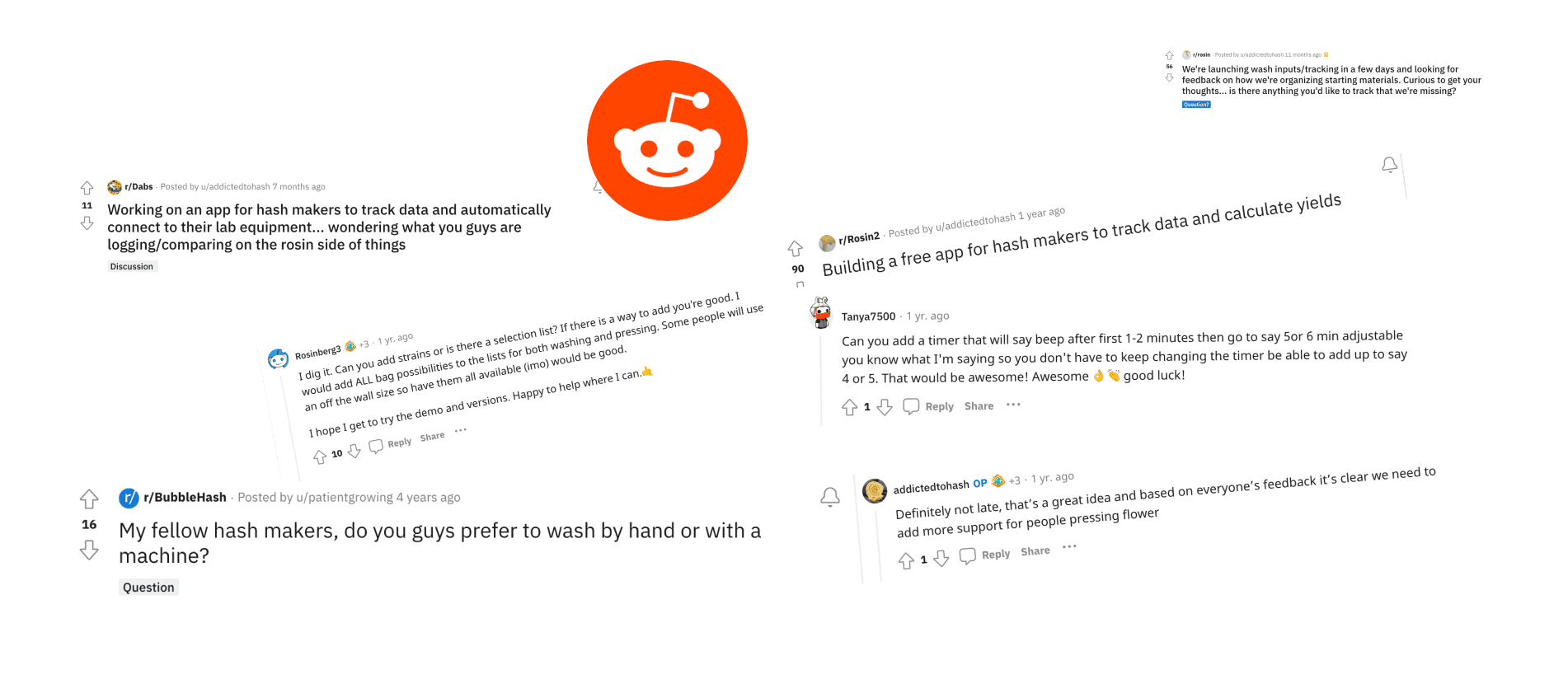
I started with immersion: watching hours of YouTube tutorials covering the full cannabis processing journey, observing how experienced makers talked about their process, their equipment, and their problems. I joined Reddit communities where hash makers were active and lurked for a week before reaching out directly.
Research conducted:
Before I could design anything, I needed to understand a process I knew nothing about. Hash-making is a niche, hands-on craft — flower goes in, hash and rosin come out, with dozens of variables affecting yield quality at every step.
I started with immersion: watching hours of YouTube tutorials covering the full cannabis processing journey, observing how experienced makers talked about their process, their equipment, and their problems. I joined Reddit communities where hash makers were active and lurked for a week before reaching out directly.
1
8 in-depth user interviews (30–45 min each) with active hash makers across the US
2
Screener survey sent to 3 Reddit communities, 40+ responses
3
Contextual observation: reviewed lab setup videos and batch documentation practices
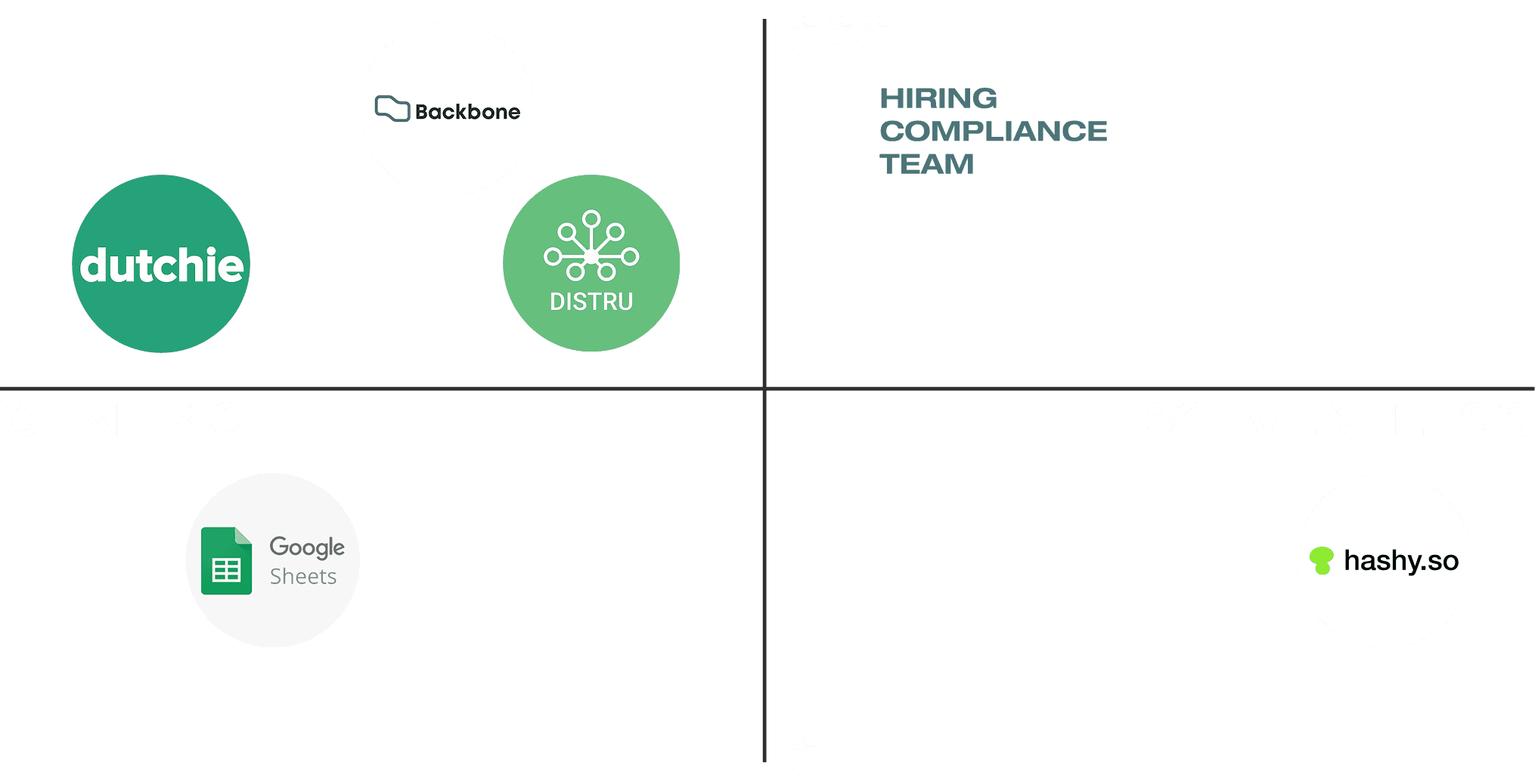
Competitor Analysis
What we assumed going in: users primarily wanted yield tracking.
What the research actually told us: yield tracking was table stakes. The real need was understanding — makers wanted to see patterns across batches, spot what was working, and have something to show their team or clients without reformatting a spreadsheet. Data visualization and note organization mattered as much as the numbers.
This reframing changed the entire product direction.
02 — Define
Four pain points that kept coming up
Across every interview, four problems surfaced consistently:
1
Complex process, no structure — The production workflow has 6–8 distinct steps, each with its own variables. Makers were holding this in their heads or across multiple documents.
2
Data overload without insight — Temperatures, humidity, extraction times, bag weights — data was being collected but not used. There was no way to compare batch to batch.
3
Yield calculation friction — Manual measurement at each step was time-consuming and error-prone. Small miscalculations compounded into real financial loss.
4
Inventory ambiguity — At any given moment, a maker couldn't quickly answer: what's ready to wash, what's in progress, what's done?
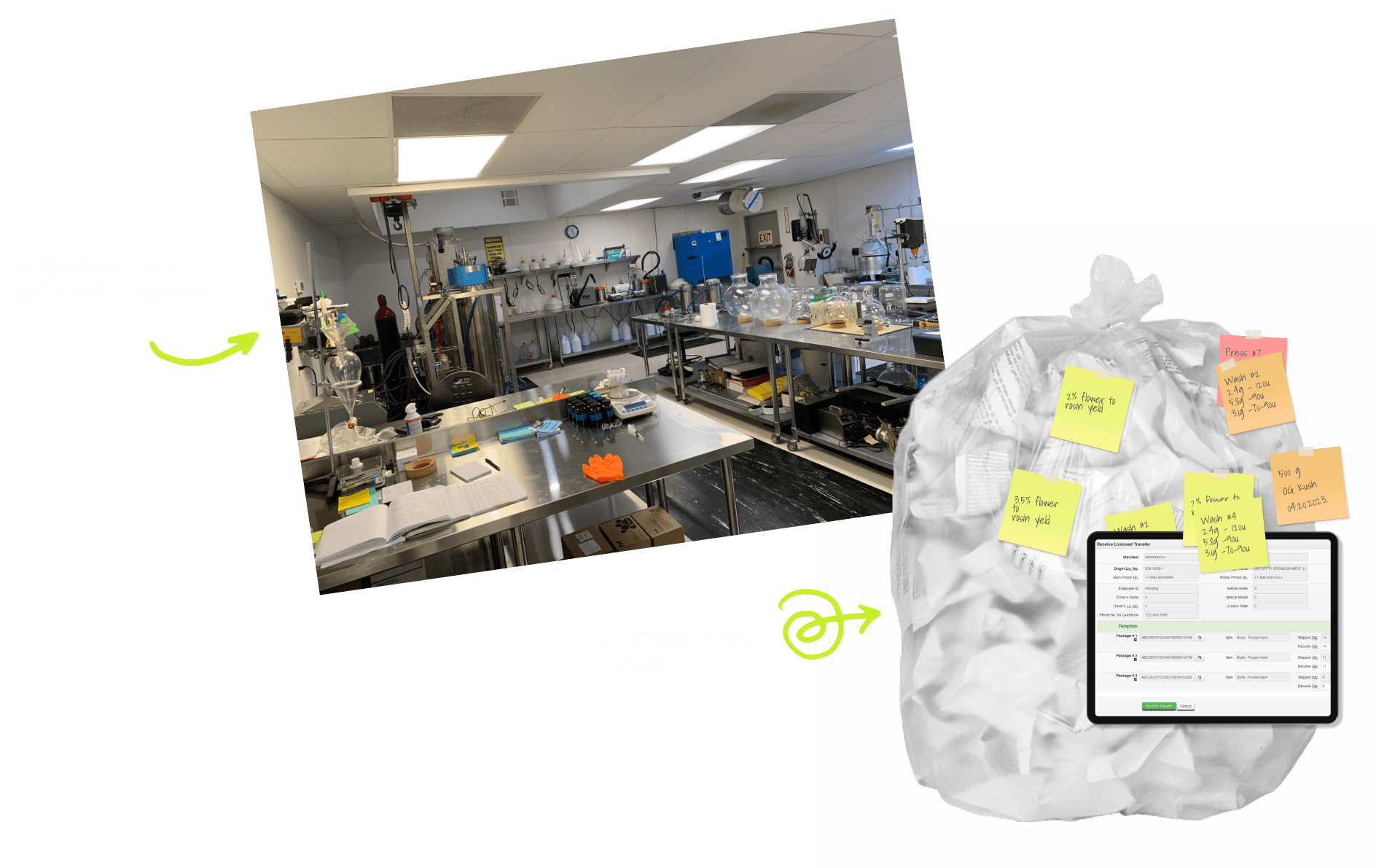
The insight that shaped the product: hash makers didn't just want a tracker. They wanted to feel in control of a complex process — and to prove to themselves (and others) that their method was improving over time.
Persona
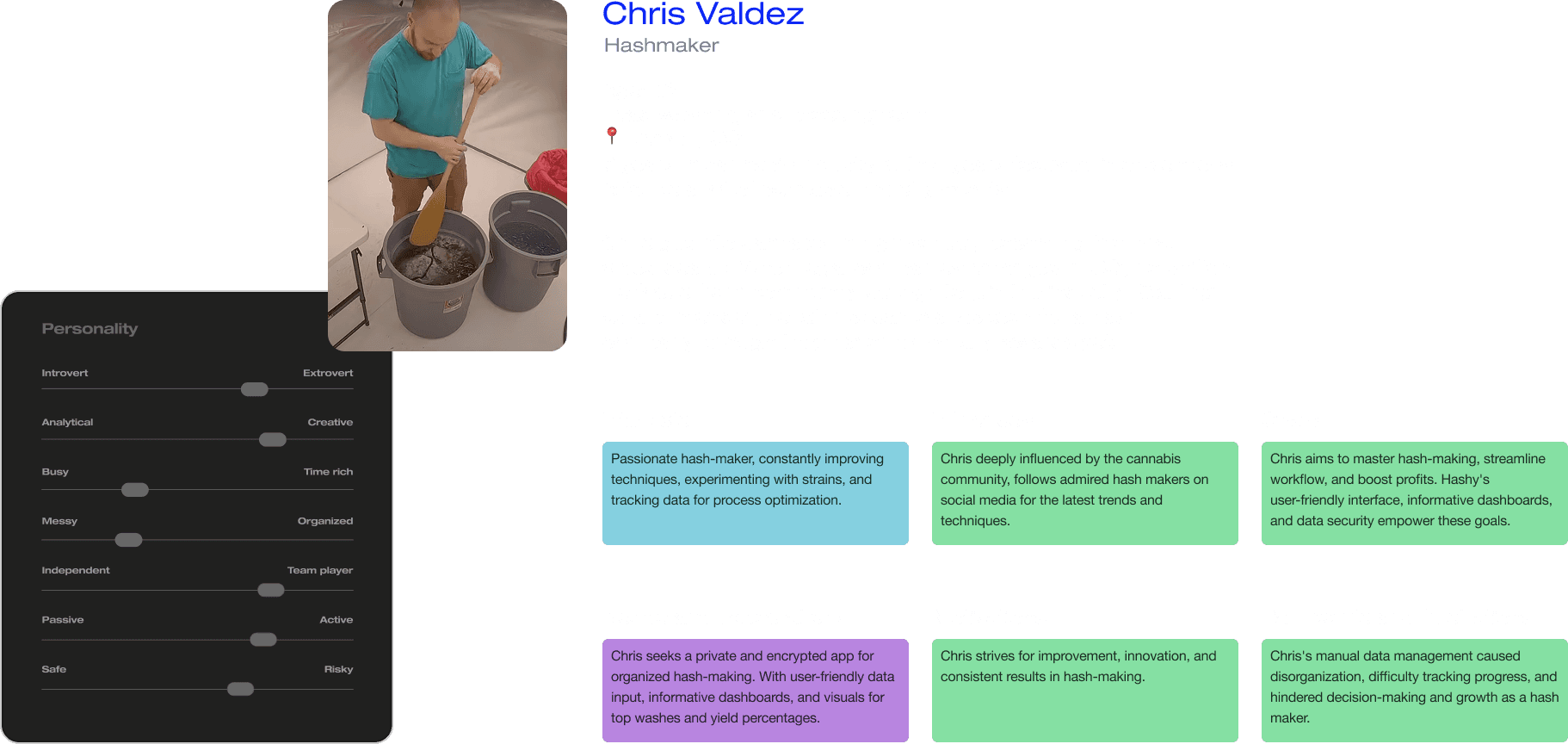
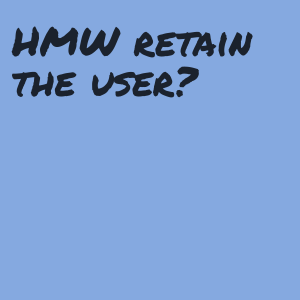
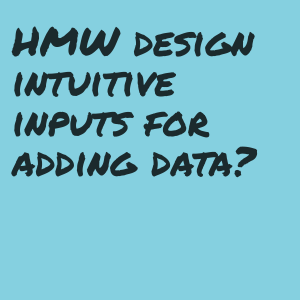
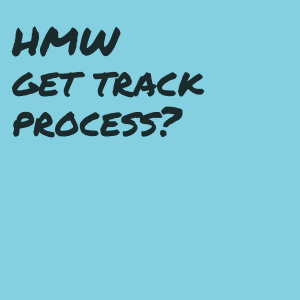
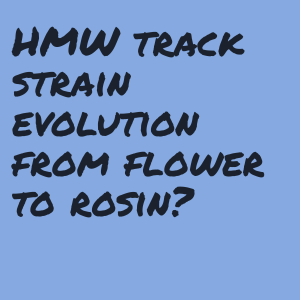
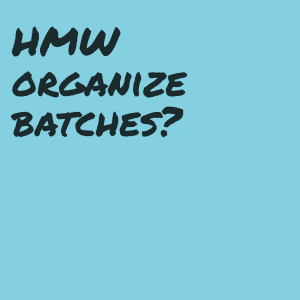
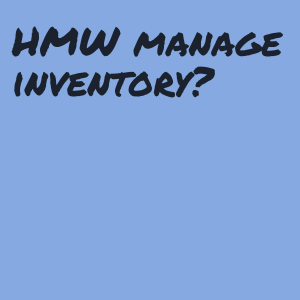
HMW framing:
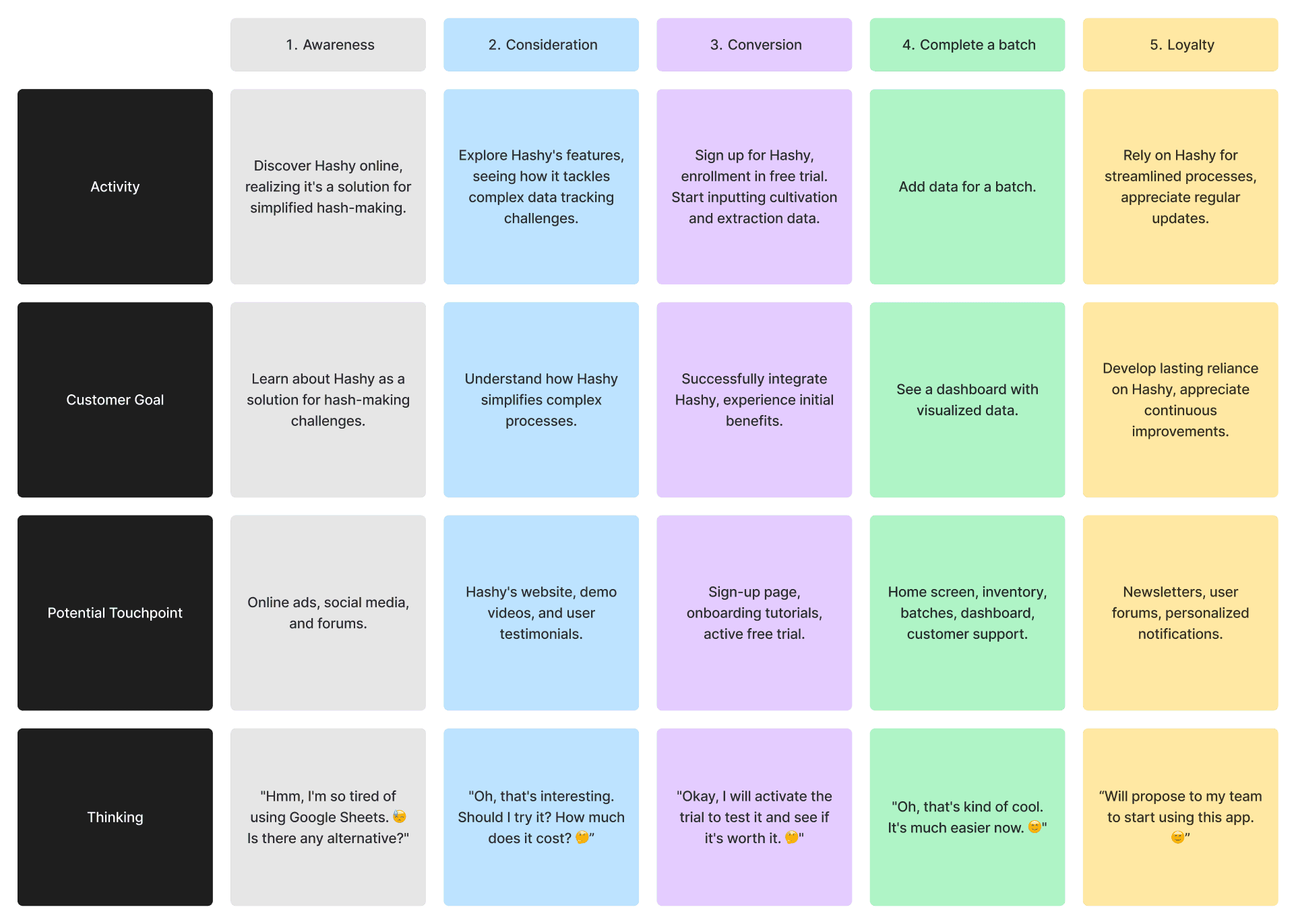
User journey map
03 — Design
Five iterations to get the core screen right
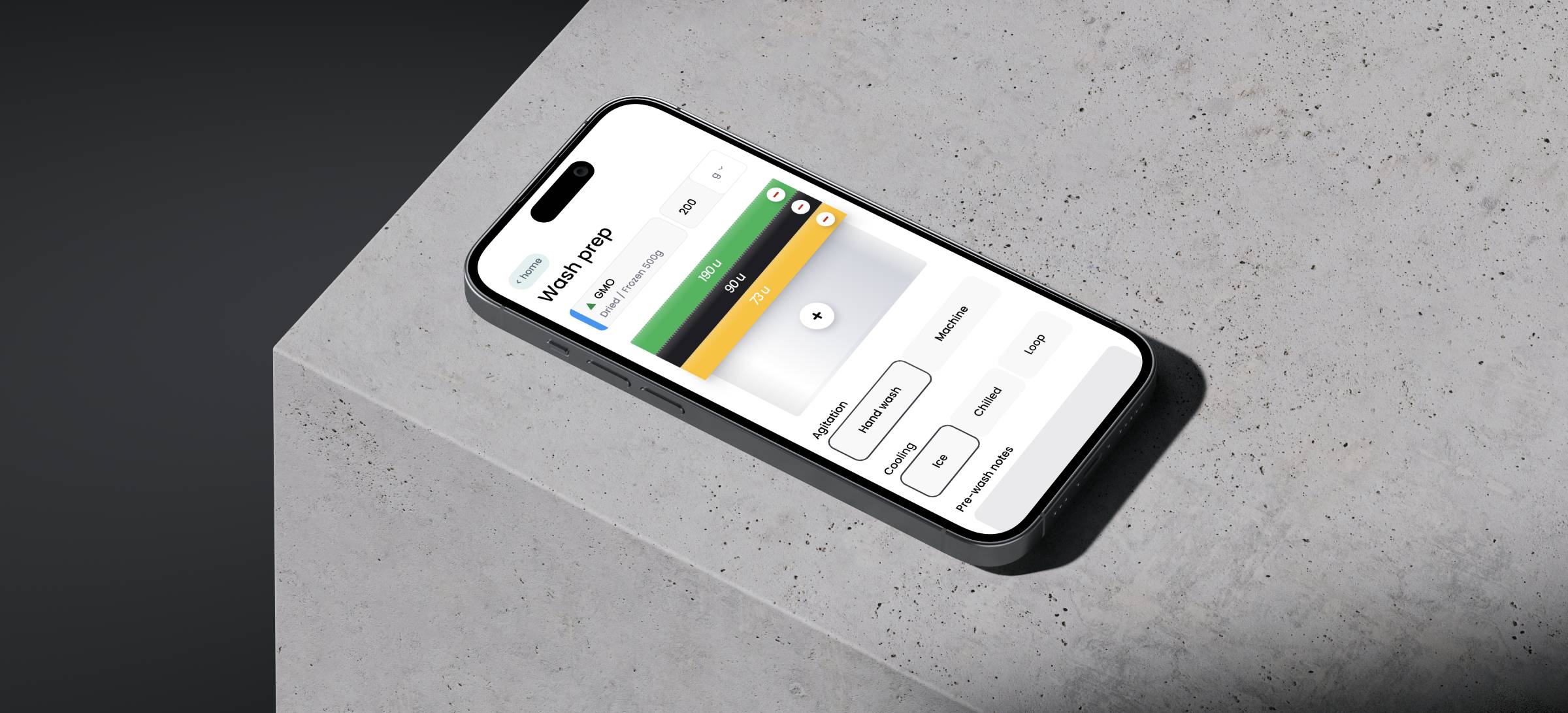
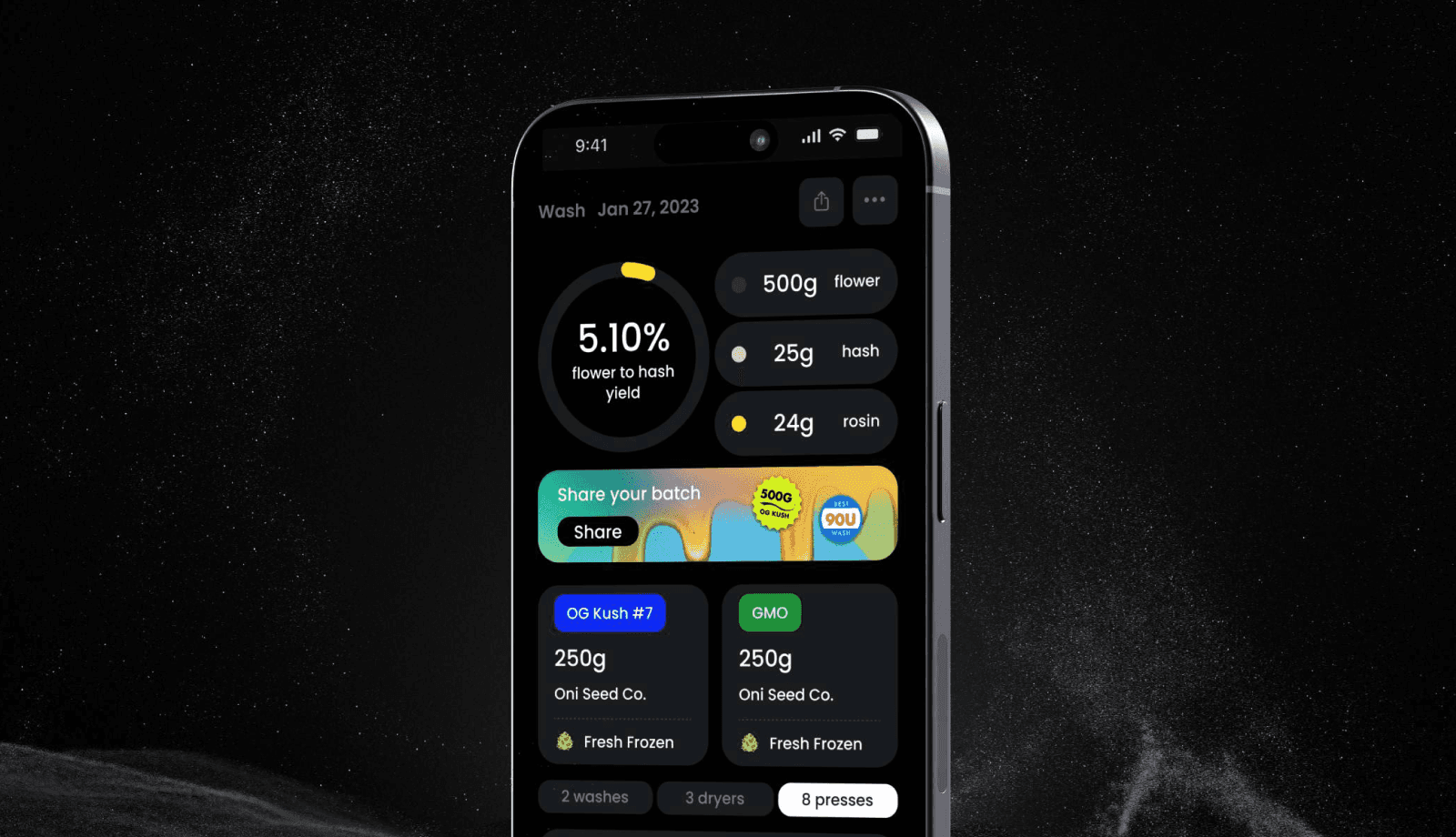
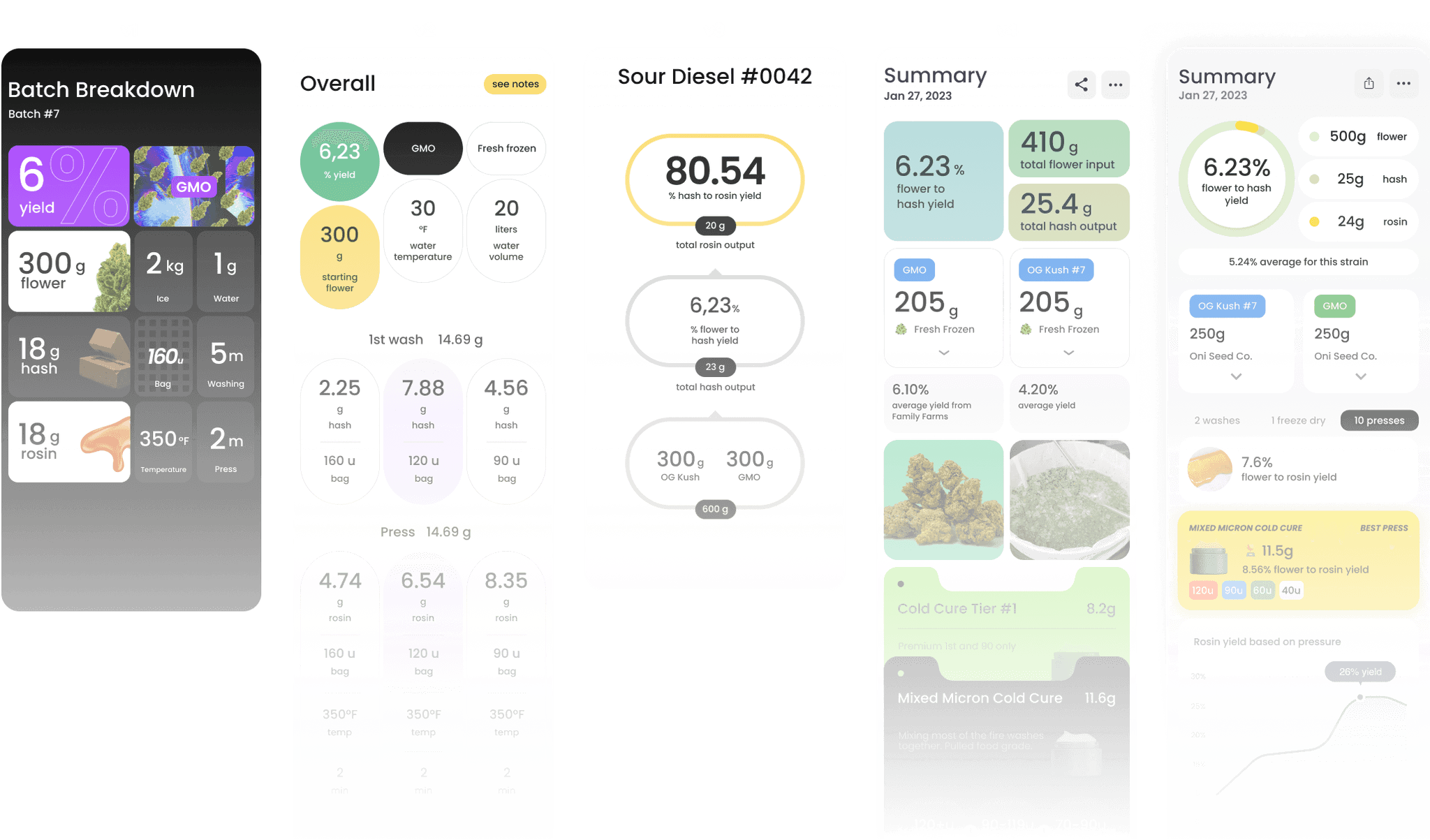
The most critical screen in Hashy is the batch dashboard — it needed to show the full material journey (flower → hash → rosin) and communicate yield at a glance. This took five major iterations.
Create a batch
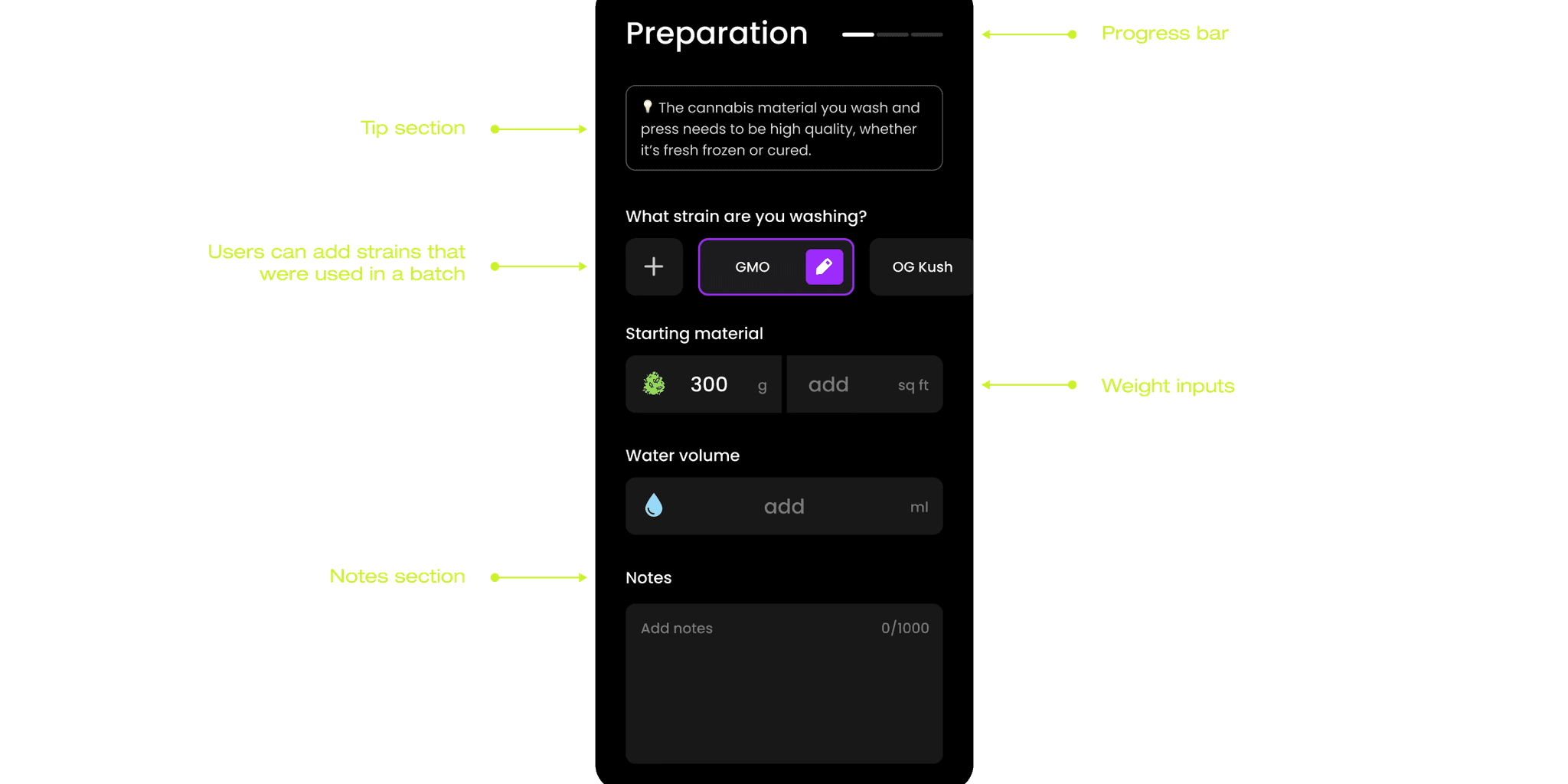
Dashboard
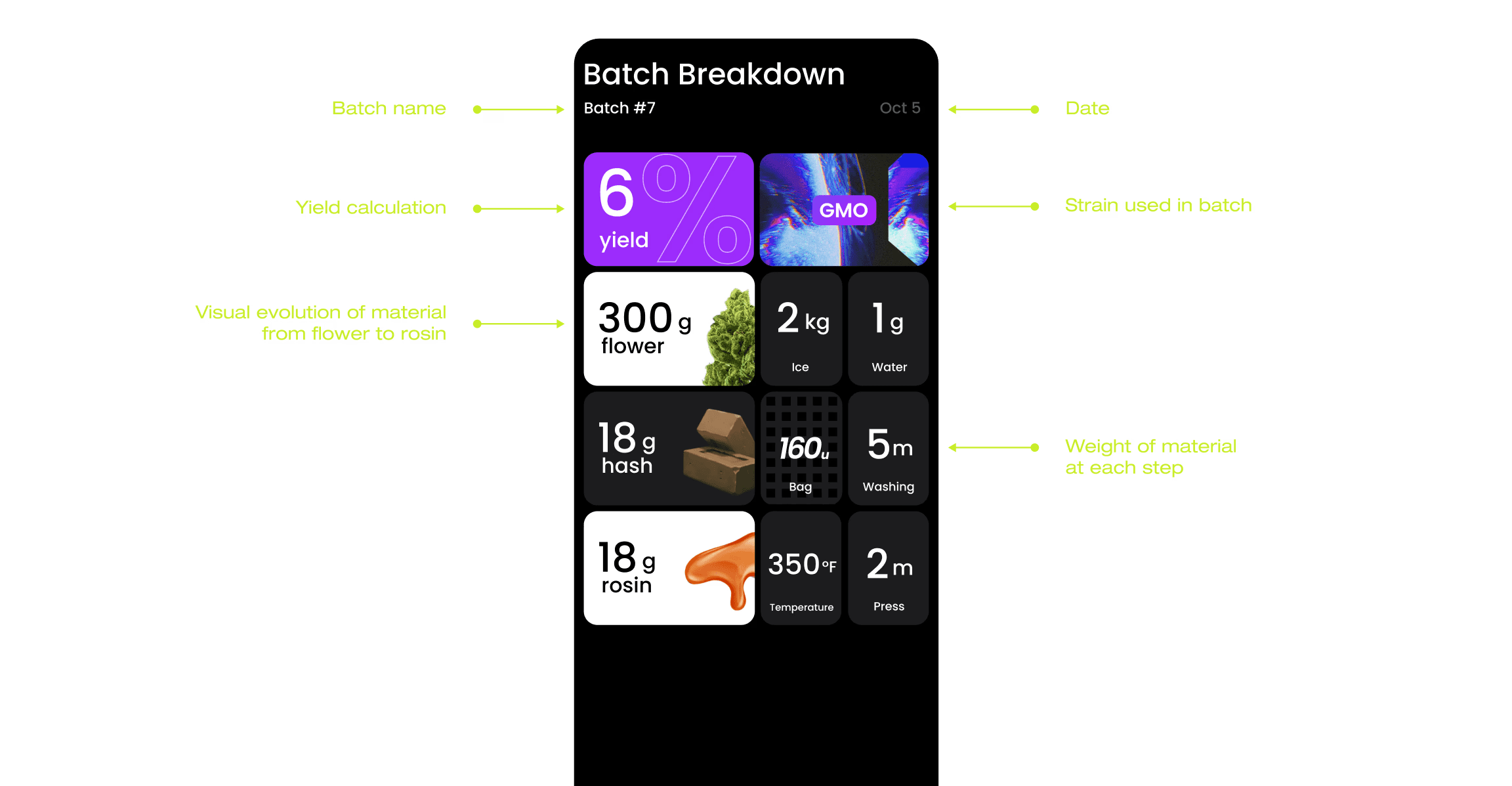
v1
Focused on visual representation of material transformation. Users found it visually interesting but couldn't extract the numbers they needed quickly.
v2
Shifted to showing weight change at each step as the primary data. Still confusing — the progression wasn't intuitive for someone mid-process.
v3
Introduced yield percentages after washing and pressing as the headline metrics. Getting closer, but the endpoint (final product weight) wasn't prominent enough.
v4
After a round of team feedback and testing with 3 real users, the core principle clicked: lead with the outcome, support with the process. Final product weight became the hero stat. Batch stats became secondary but visible.
v5
Refined the weight-change visualization at each step so the story of the batch read linearly, top to bottom. This version tested cleanly.
04 — Test
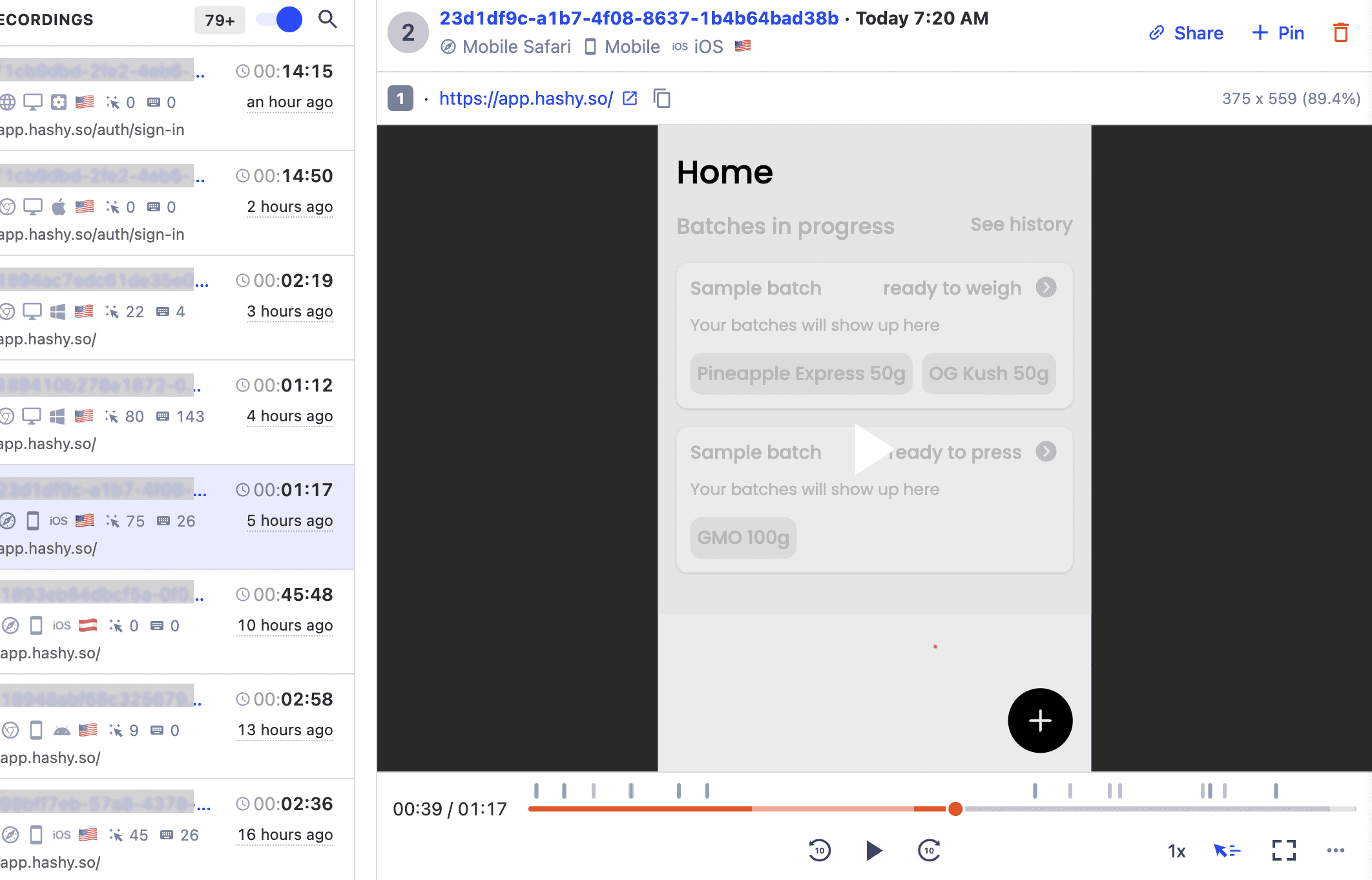
Usability study findings (Round 1, 5 participants)
We ran moderated usability testing with 5 participants who matched our core persona — experienced hash makers, ages 25–40, US-based.
1
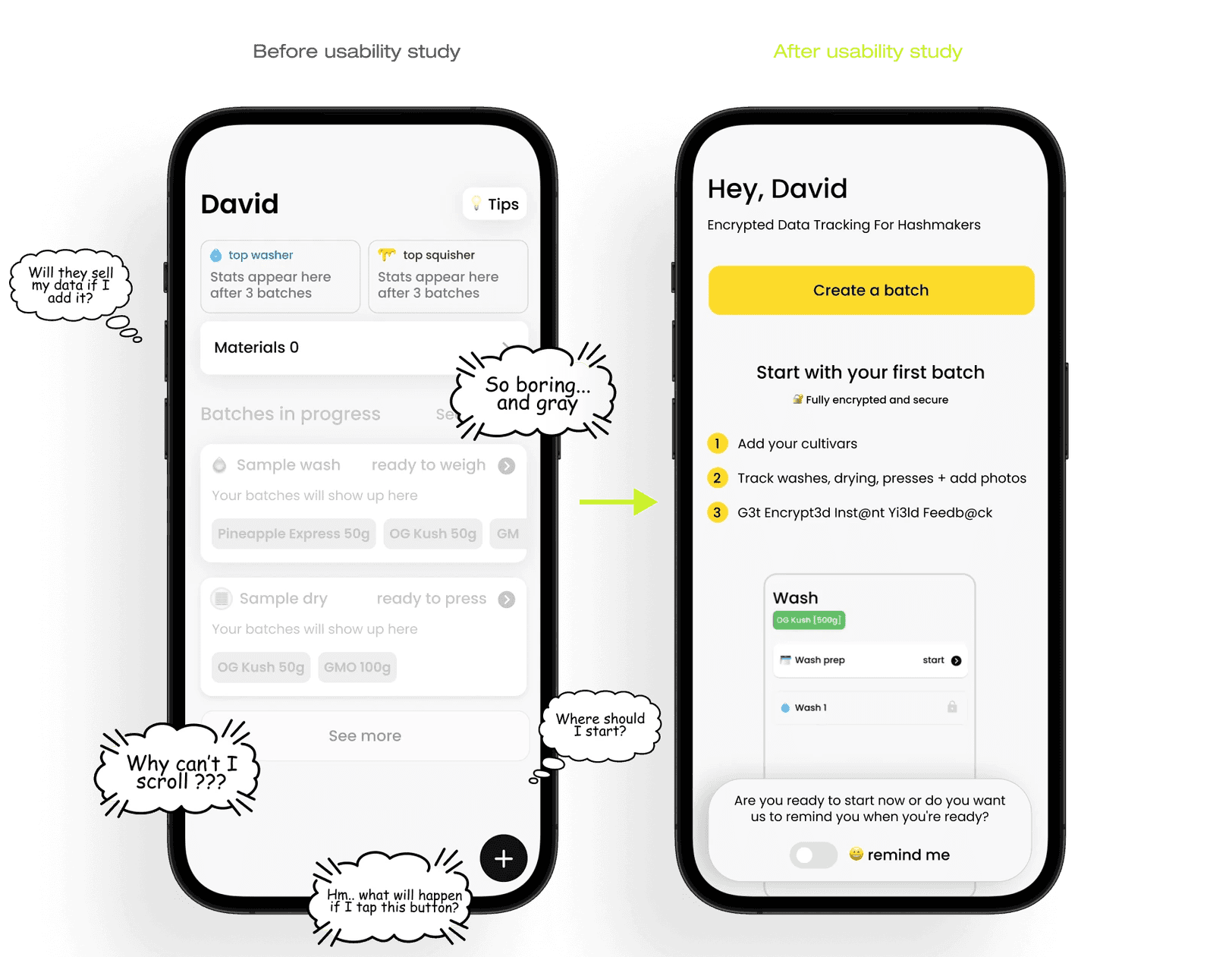
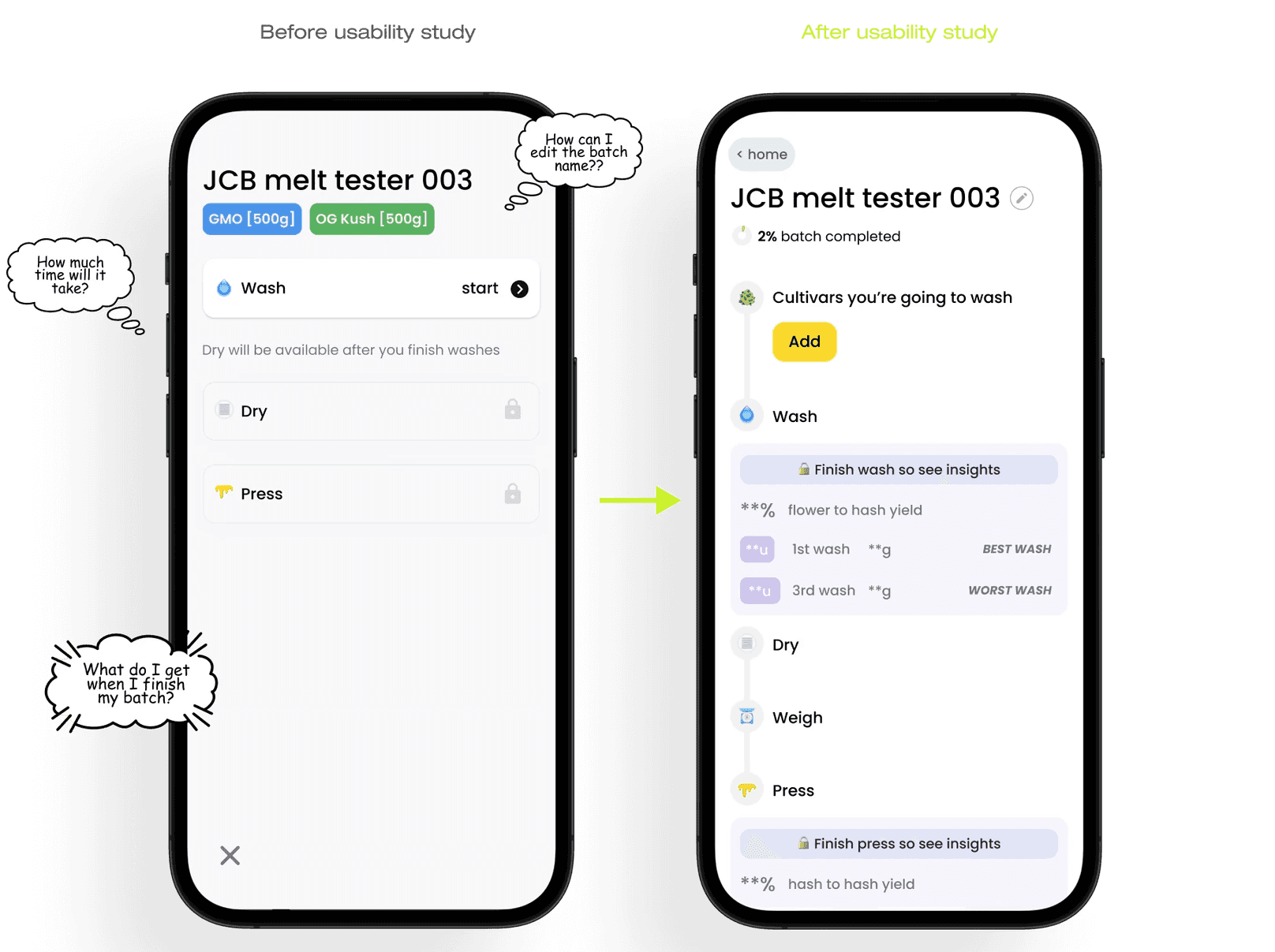
60% of users tried to scroll the home screen and felt lost after signing up — there was no clear first action
2
80% of users didn't complete a batch in the test session — the process felt open-ended, with no sense of progress
3
All 5 participants expressed concern about data privacy — they didn't want their yield data or supplier information exposed
4
Users struggled to distinguish rosin bags from washing bags — the labeling wasn't distinct enough
5
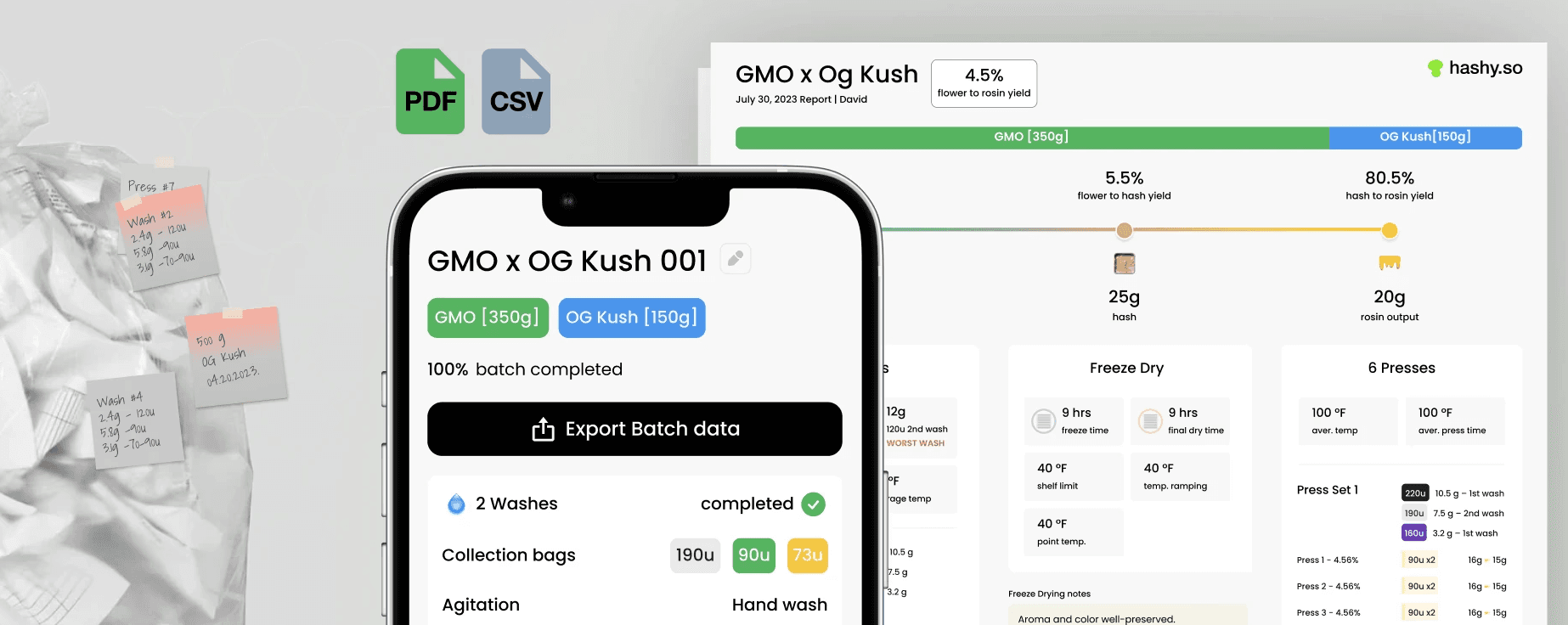
Multiple users requested PDF export — they needed to share batch reports with their teams in print
Design responses:
1
Home screen — Added a prominent "Create a batch" CTA at the top with a brief explanation and intro video. Added a "Remind me" option for users who weren't ready to start immediately. Completion rate in retest improved significantly.
2
Batch flow — Introduced a step progress indicator and context-specific CTAs at each stage. Added a summary preview before batch completion as a motivational checkpoint.
3
Privacy — Addressed in copy and onboarding: added explicit messaging that data is private and never shared. This reduced friction in the data-input flow.
4
Bag labeling — Introduced distinct visual treatments (color + icon + label) for washing bags vs rosin bags.
5
PDF export — Implemented export to PDF/SVG from the dashboard for team reporting.
05 — Outcome
What shipped and what it taught me
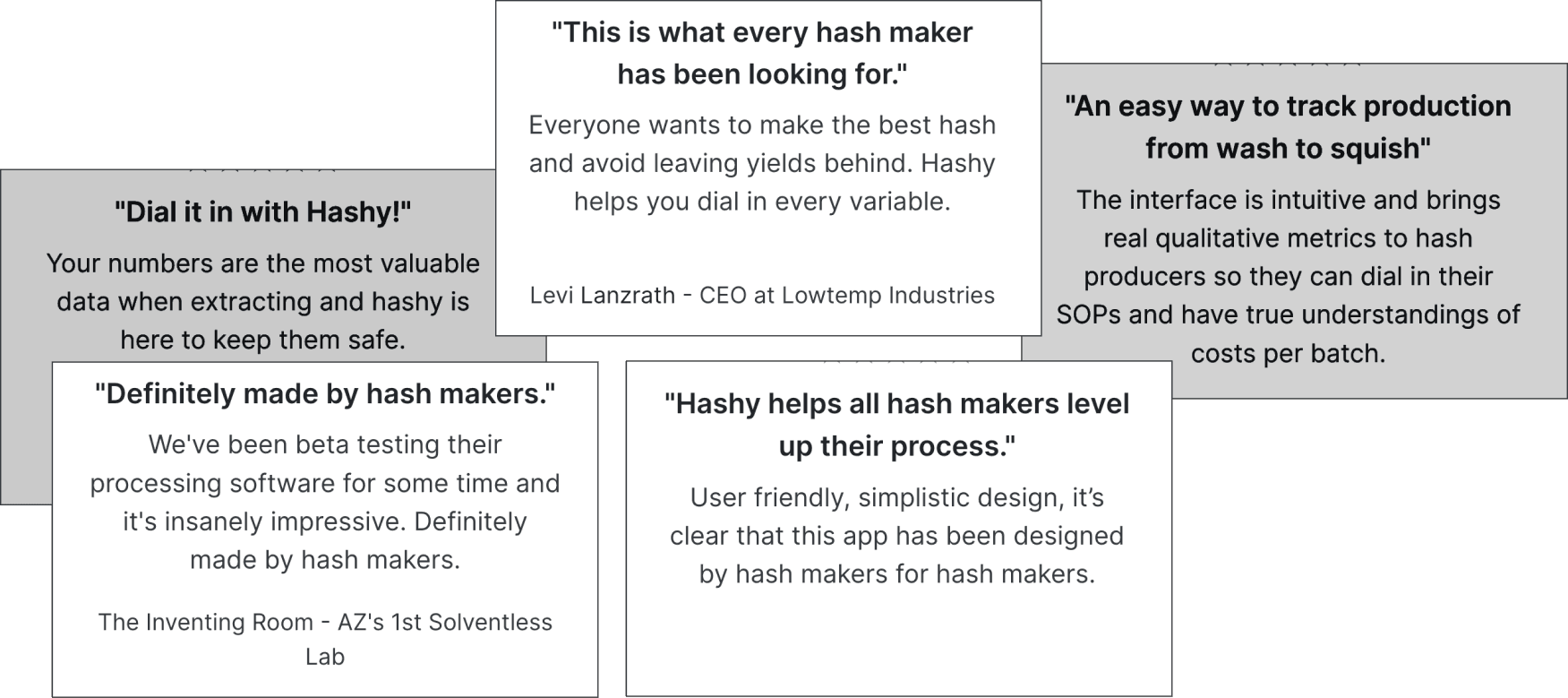
Within the first quarter post-launch, Hashy saw a 30% increase in user sign-ups compared to the initial beta period — driven largely by word-of-mouth in tight-knit hash maker communities on Reddit and Instagram.
More importantly, the completion rate for batch entries improved once the progress indicator and summary preview were in place. Users weren't just signing up — they were actually using the core feature.
Three things I actually learned on this project:
1
Niche users are expert users — treat them that way. Hash makers know their process in detail. Designing something that felt too simplified would have killed trust immediately. I had to earn the right to simplify.
2
Privacy is a UX problem, not just a legal one. Our usability study revealed a fear we hadn't accounted for: that entering production data into a third-party app felt risky. If we'd shipped without addressing this in the UI, we would have had churn at the data-entry step.
3
Accessibility can't be an afterthought. Post-launch feedback from a colorblind user revealed that our color-coding system for batch stages was inaccessible. We'd moved fast and missed it. It's now a first-pass checklist item on every project I work on.